
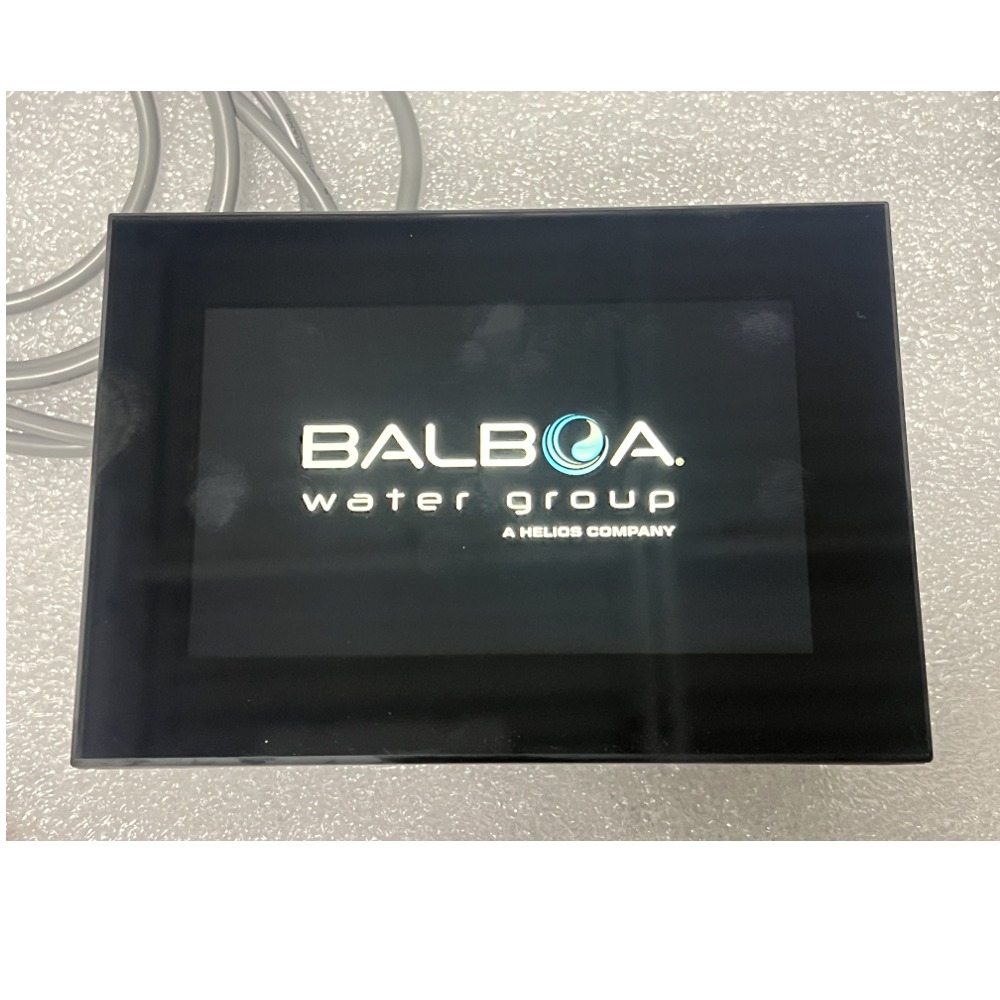
Balboa SpaTouch 4 Touchscreen Topside Control with Built-In WiFi
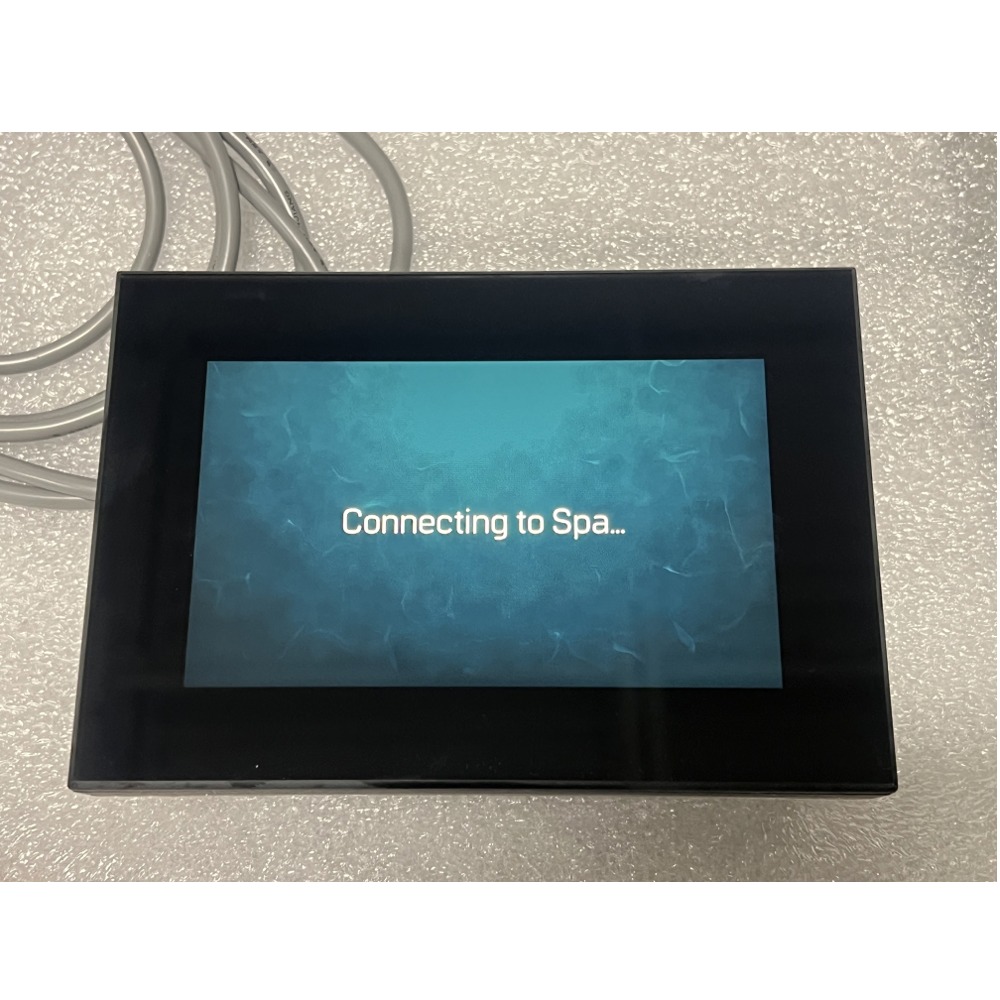
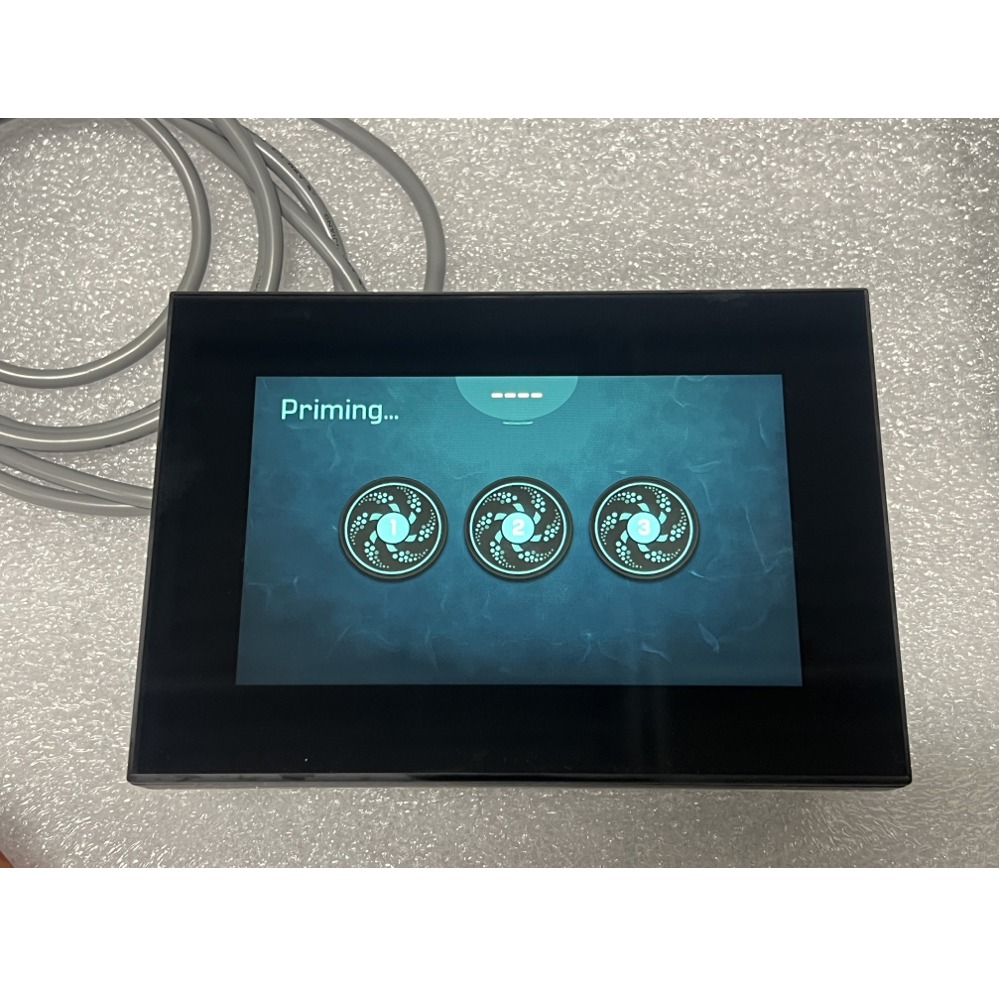
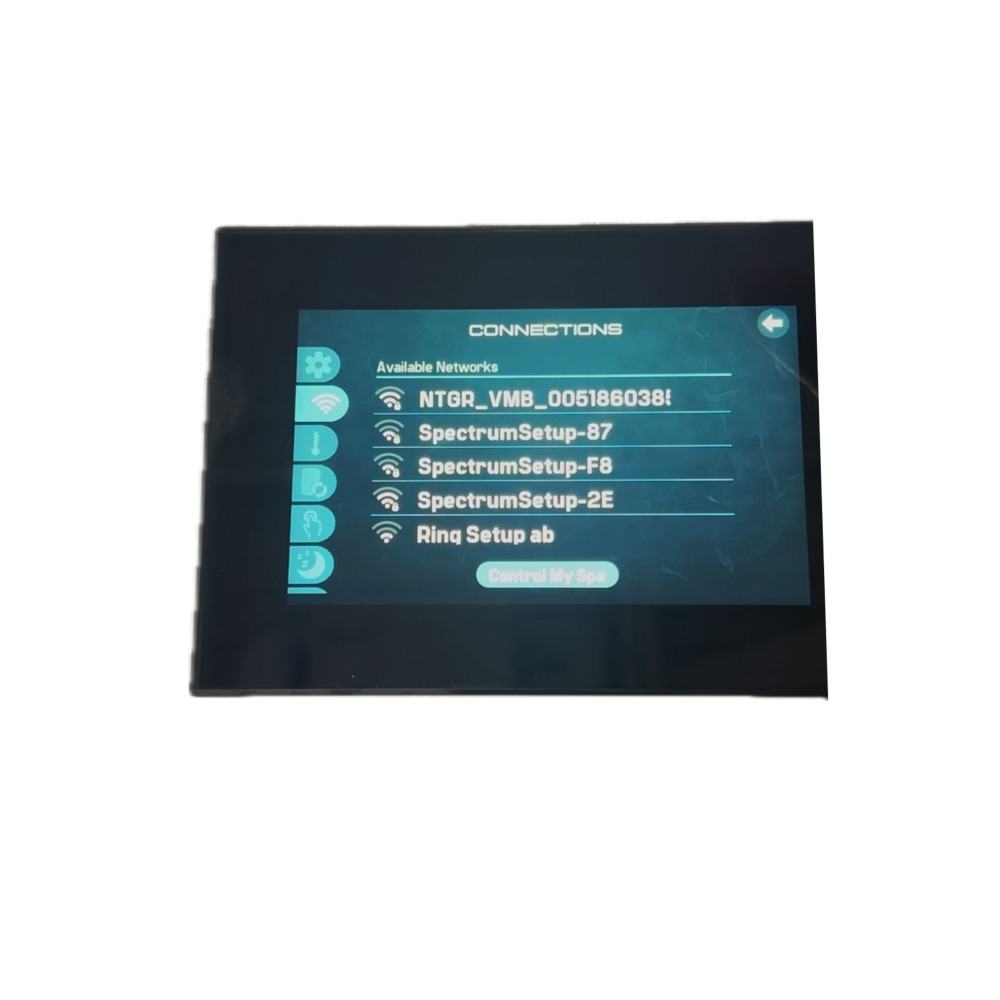
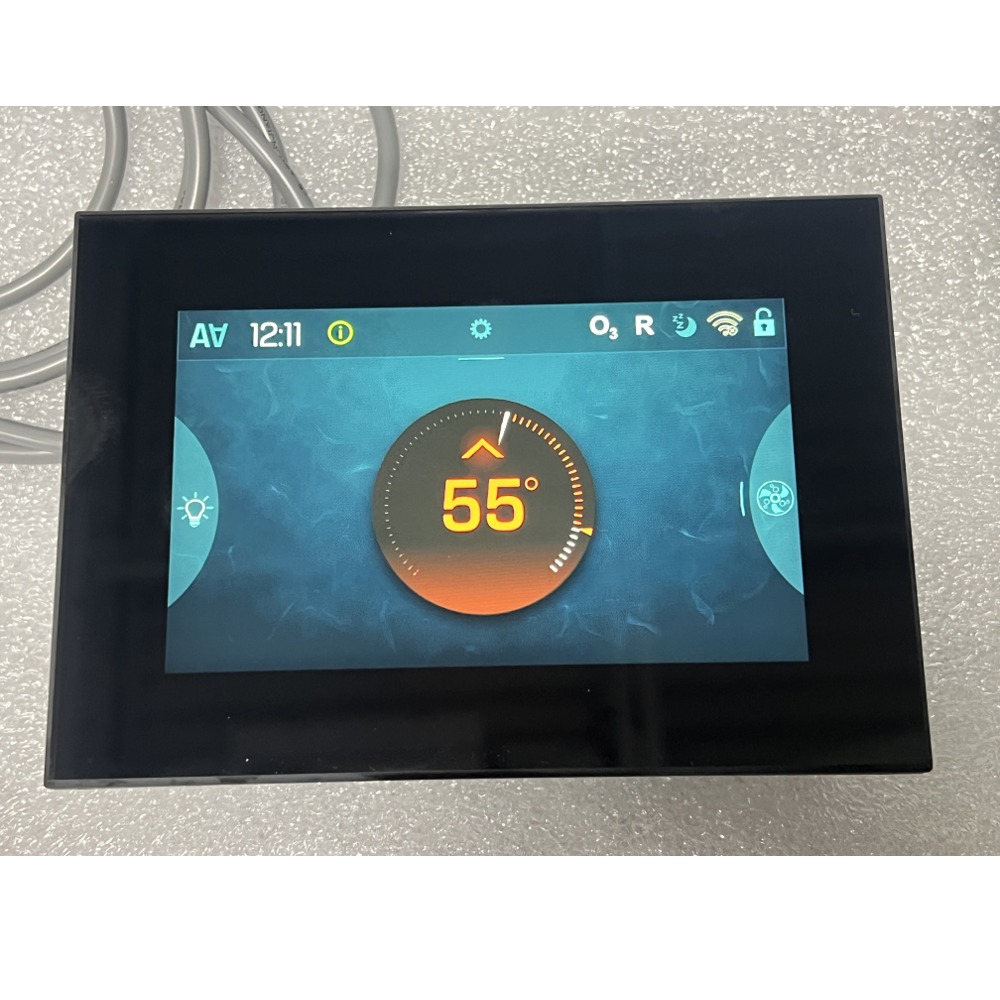
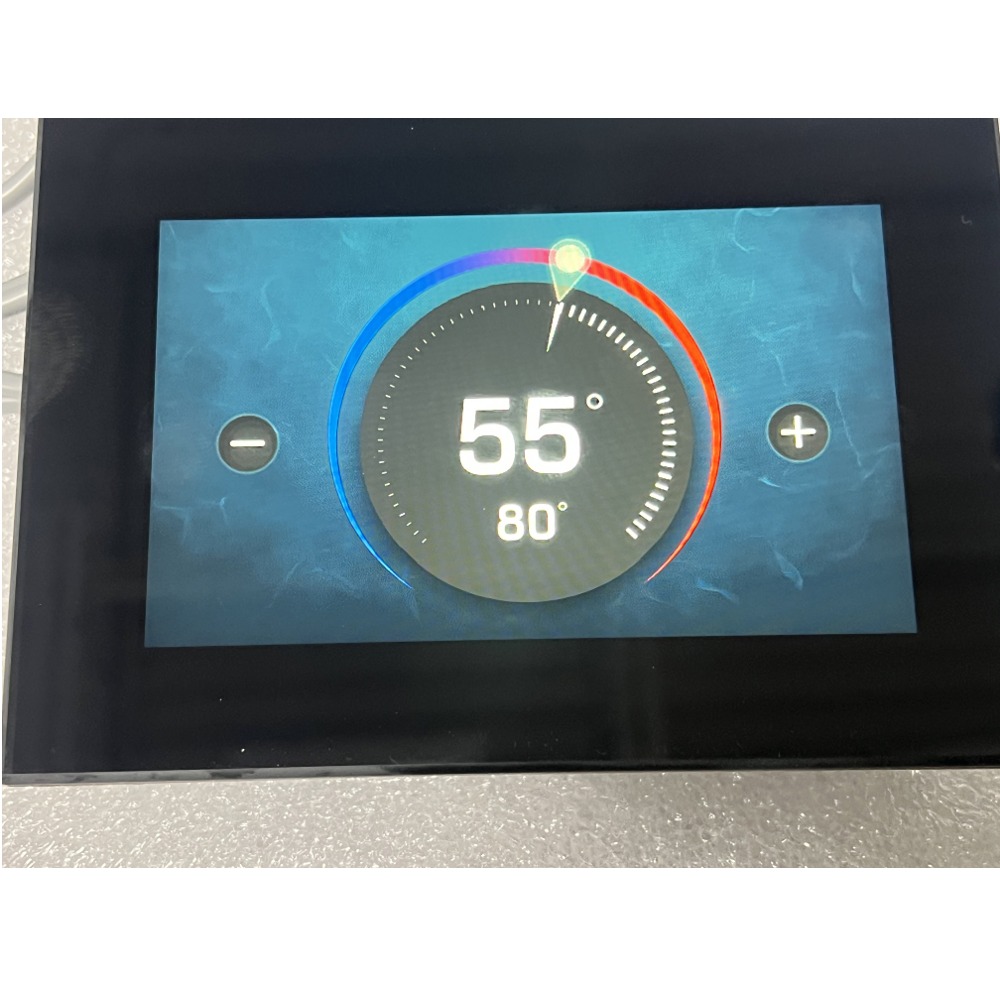
The Balboa SpaTouch 4 is a full-color touchscreen topside control with WiFi built in, so the spa can be run from the panel itself or from the ControlMySpa™ app. It is backwards compatible with all Balboa BP spa packs, and it also works with Balboa spa packs that have heating and chilling functions and use a 4-pin Molex connector.57542-01 57542-02 34-57542-01 58-138-3470 spa touch 4 spatouch IV touch screen wifi controlmyspa balboa topside control
What’s in the box
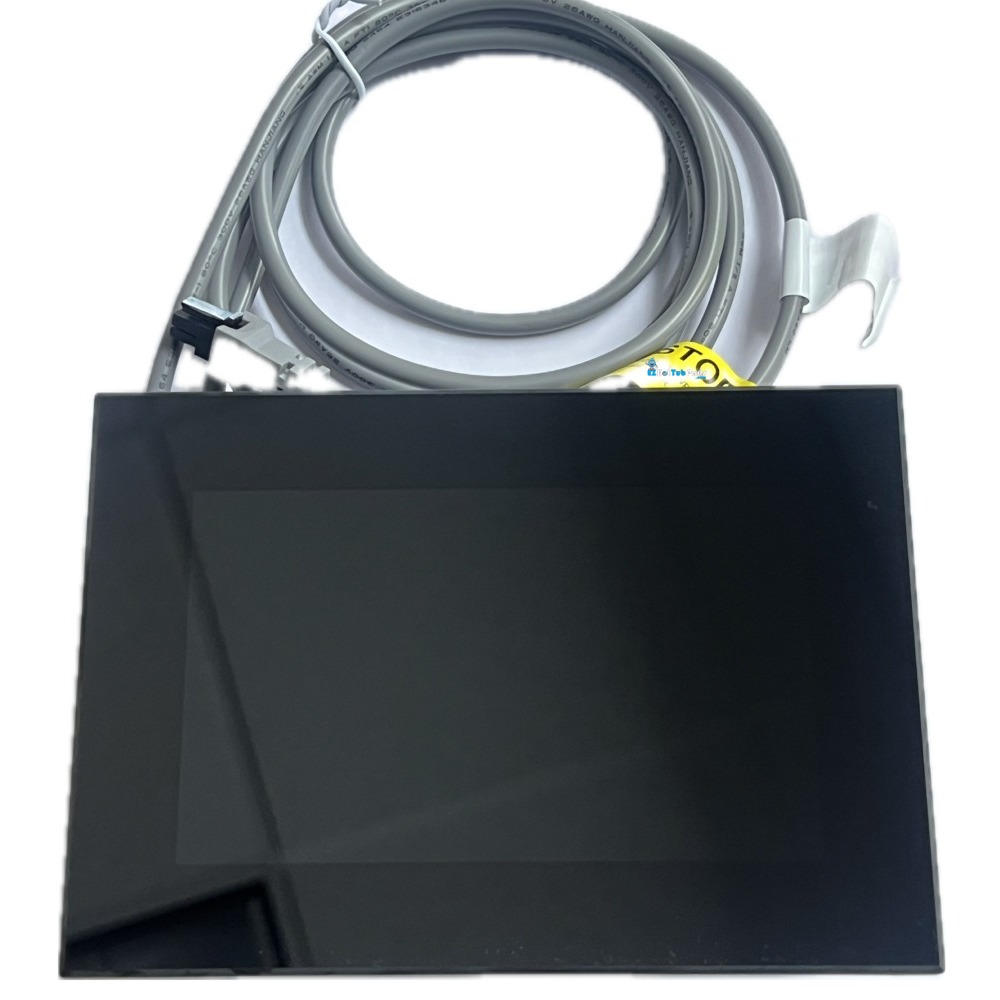
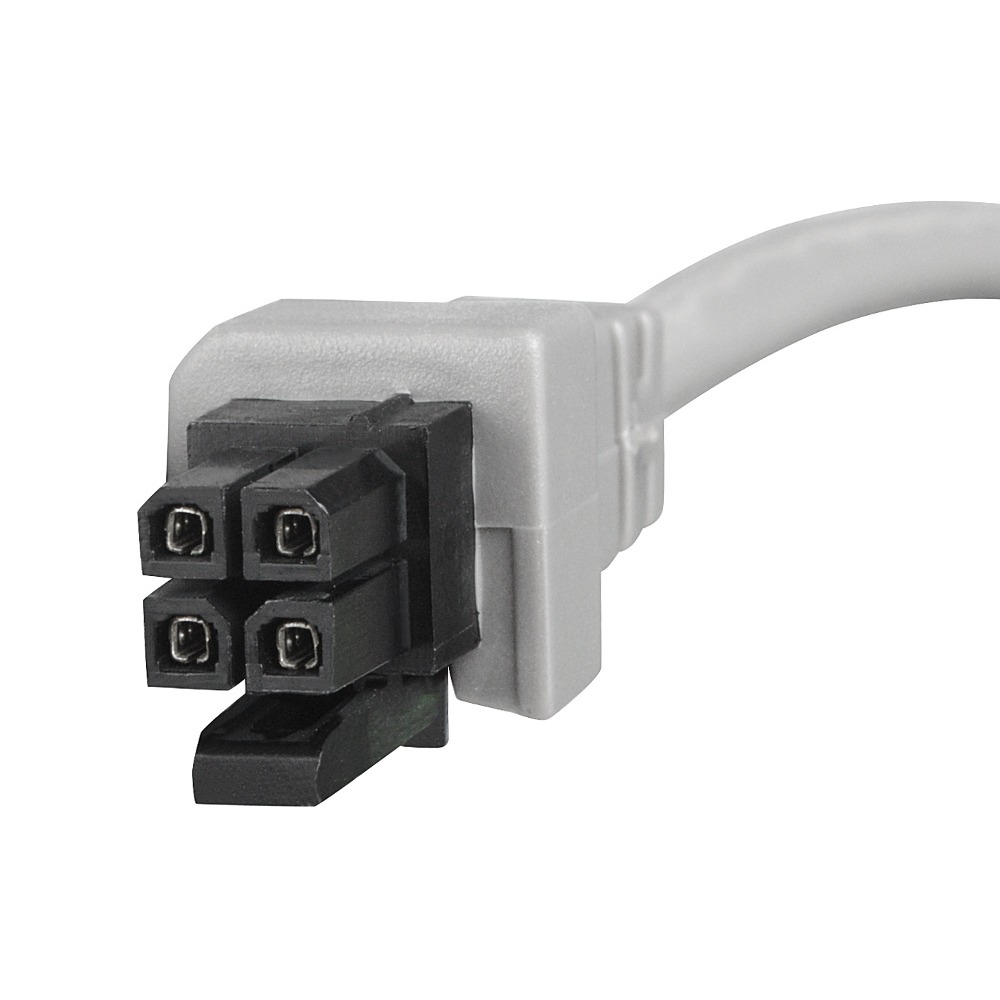
The SpaTouch 4 touchscreen panel with its attached cord and 4-pin Molex connector — a complete topside control, ready to plug into the spa pack.
No separate button overlay is required or used. The touchscreen replaces the button panel entirely, so there is no printed overlay to match, order, or replace later.
You will need a CMS™ Code
The WiFi side of the SpaTouch 4 runs on ControlMySpa™. Every spa owner needs an 8-digit CMS™ code — a letter/number combination that registers the spa in the ControlMySpa™ database — before the app will connect.
EzHotTubParts / MinnSpas Balboa CMS™ code: HGV-77246
The panel itself works normally without the app; the code is only needed for the WiFi features.
Panel size
5-3/4″ wide × 4″ tall. Measure your existing panel before ordering — the cutout and mounting surface have to suit the SpaTouch 4’s footprint.
Which topside controls the SpaTouch 4 can replace
- TP260T and TP260W
- TP240T and TP240W
- TP200T and TP200W
- Spa Touch
- Spa Touch 2
- Spa Touch 3
- TP500
- TP600
- TP700
- TP800
- TP900
Installation
Turn off power to the spa at the GFCI or breaker before beginning. Remove the old topside and clean the mounting surface. Open the equipment bay and unplug the old topside cable from the spa pack. Connect the SpaTouch 4’s 4-pin Molex plug to the pack’s topside connector, position the new panel on a clean, dry surface with fresh double-sided adhesive as needed, then restore power and test the display. To use the WiFi features, register the spa in the ControlMySpa™ app with the CMS™ code above.
If you are not comfortable working inside the equipment compartment, have a qualified spa technician install it.
Download the Spa Touch 4 User Guide.
✅ Not Sure It Fits? Verify Before Ordering
Send clear photos of your current topside control, the cable connector behind it, and the label on your Balboa spa pack, and we’ll confirm the correct replacement before you order.
The SpaTouch 4 is backwards compatible with all Balboa BP spa packs. It also works with Balboa spa packs that have heating and chilling functions and use a 4-pin Molex connector. We confirm the exact fit from a photo of your spa pack label before it ships.
Yes, for the WiFi features. ControlMySpa™ requires an 8-digit CMS™ code to register your spa in its database. Ours is HGV-77246. The panel operates the spa normally without it — the code is only needed to connect the app.
No. The SpaTouch 4 is a complete touchscreen topside. There is no printed button overlay to match or replace, which is one reason many owners upgrade to it from an older button panel.
5-3/4″ wide by 4″ tall. Measure your existing panel and its cutout before ordering so you know the SpaTouch 4 will suit the mounting surface.
For most owners, yes. Shut the power off at the breaker, unplug the old topside from the spa pack, connect the new 4-pin Molex plug, mount the panel, then restore power. No special tools are required. If you are not comfortable working inside the equipment compartment, have a spa technician handle it.
Send us a photo of your existing topside, the cable connector behind it, and the label on your Balboa spa pack. We will confirm fitment before you order and help reduce costly returns.

Reviews
There are no reviews yet.