
How to Start Up and Maintain a Swim Spa with FROG® @ease®
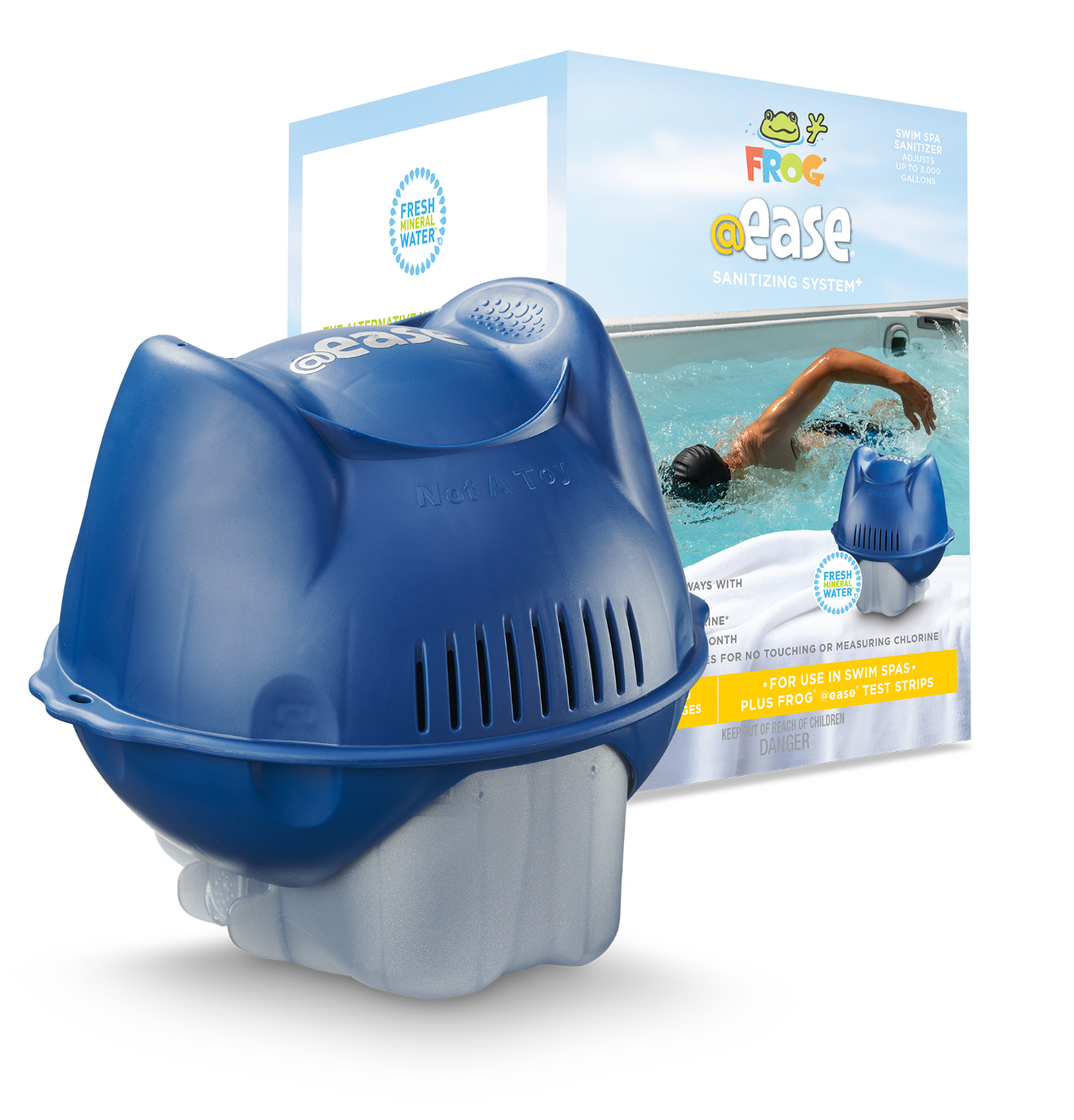
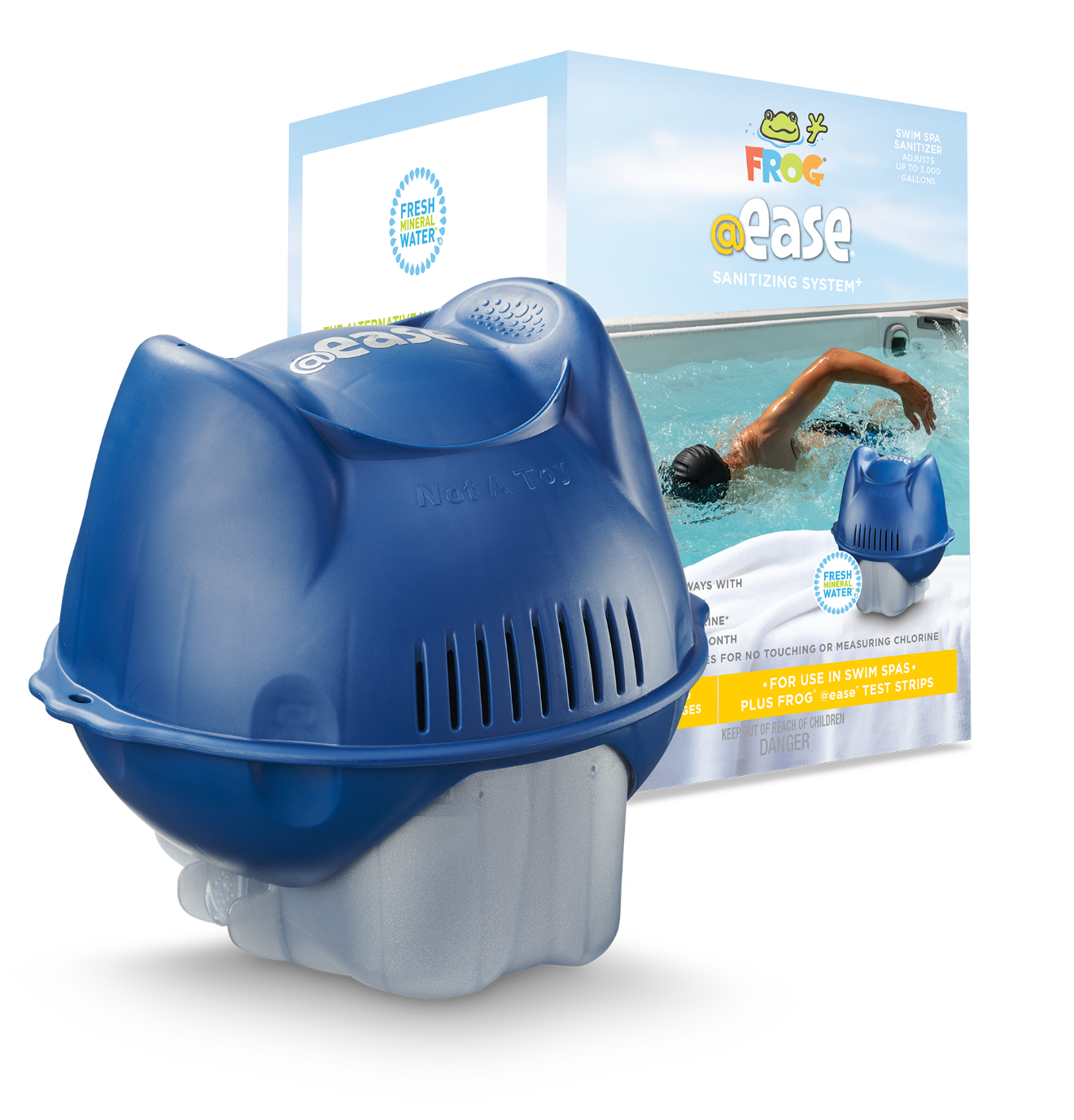
FROG @ease for Swim Spas is the swim-spa-specific version of the popular @ease system — a purpose-built floating sanitizer rated for swim spas up to 3,000 gallons, with its own cartridges, its own setting chart, and a tether for the railing. It is not the same product as the hot tub @ease floater (which tops out at 600 gallons), and the two are not interchangeable. This guide follows FROG’s official swim-spa operating instructions.
Prefer to dose chlorine yourself? See the swim spa chlorine granules guide for the traditional alternative care path.
Who This System Is Best For
Swim spa owners who want steady, low-effort sanitizing without daily dosing. The system combines a FROG Mineral Cartridge with a SmartChlor® Cartridge that self-regulates a low 0.5–1.0 ppm free chlorine level — up to 75% less chlorine than the ANSI minimum for a conventionally chlorinated swim spa. It floats tethered to the rail, cartridge changes take seconds, and shocking drops to about once a month.
Products and Supplies You’ll Need
- FROG @ease for Swim Spas Start-up System — floating system with mineral cartridge, SmartChlor cartridge, test strips, and tether.
- FROG @ease for Swim Spas Refill System — replacement SmartChlor for the swim-spa floater.
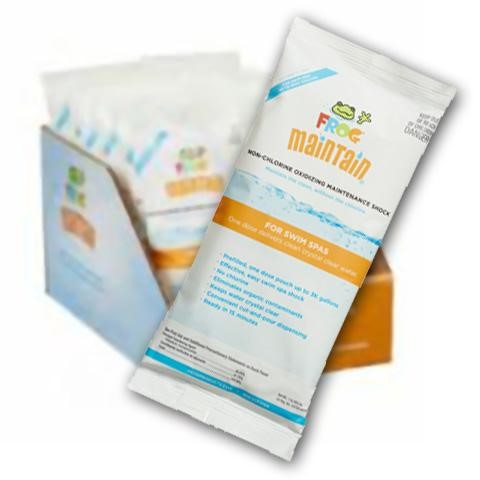
- FROG Maintain for Swim Spas (16 oz) — the swim-spa-size non-chlorine shock.
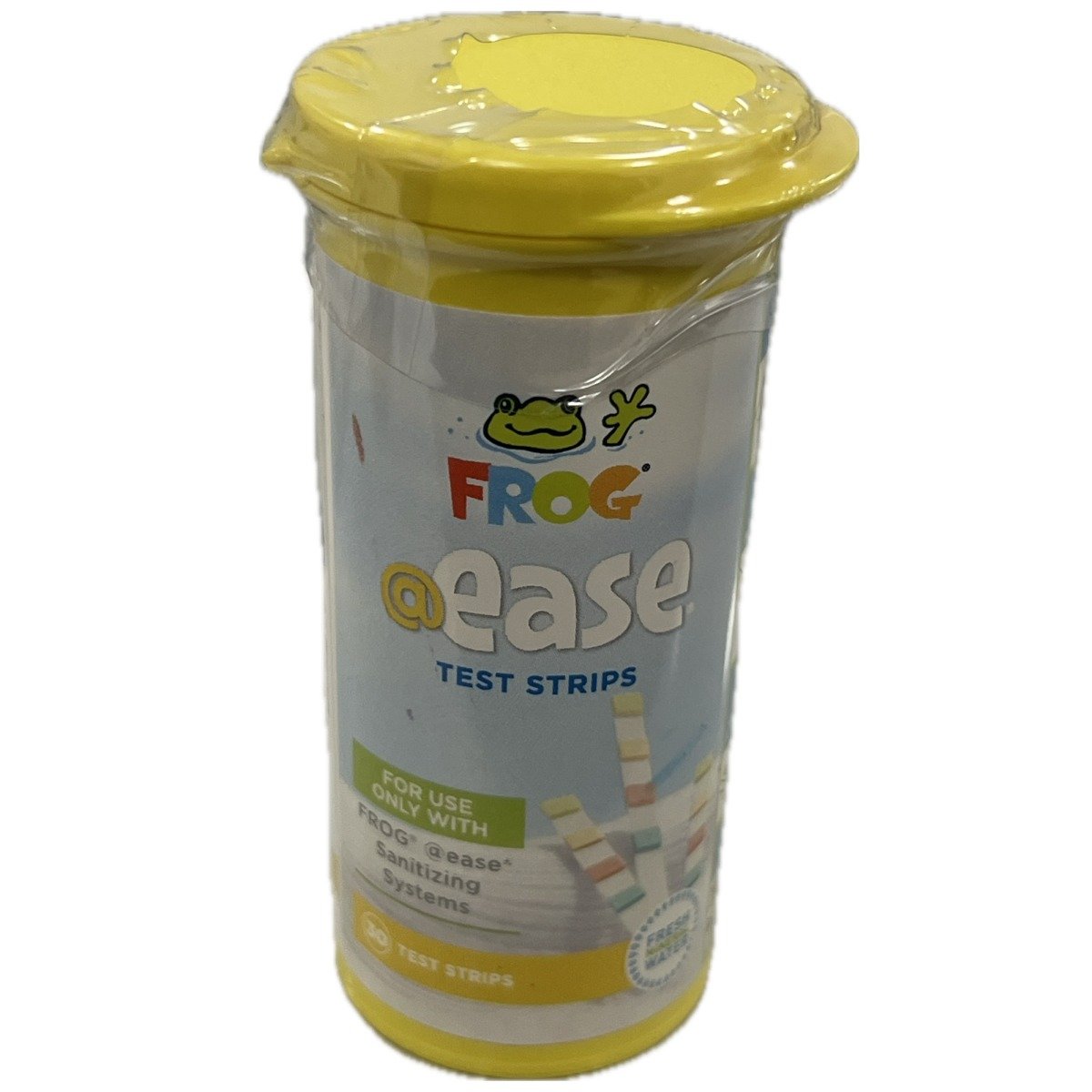
- FROG @ease Test Strips — the only strips that read SmartChlor correctly.
- A dichlor chlorine such as Leisure Time Spa 56 for the one-time startup residual (per FROG’s swim-spa instructions).
- Balancers as needed: FROG Target, JumpH, DropH, SooTHe — expect to use more of each than a hot tub owner would; you’re treating far more water.
- Hose pre-filter and metal control for the fill.
- Filter cleaner and a high-pressure rinse nozzle.
Step 1: Prep, Fill, and Handle Source Water
- Clean or replace the filter cartridges before filling.
- FROG’s swim-spa instructions recommend having your dealer test your source water before filling — at 1,200–3,000 gallons, hard or metal-heavy fill water is expensive to correct after the fact. If it’s high in hardness, iron, or other metals, treat with a metal control product such as Leisure Time Metal Gone.
- Fill through a hose pre-filter — it takes longer on a swim spa, and it’s worth it.
- Heat toward your manufacturer’s recommended temperature. The @ease swim-spa system needs the water to hold at least 80°F to work properly.
Step 2: Balance Your Water
Balance in this order: Total Alkalinity → pH → Total Hardness
FROG @ease for Swim Spas target ranges
These are FROG’s published ranges for the swim-spa system. Alkalinity first, even if fixing it throws pH off further. Add balancers in small increments, one at a time, jets on, and wait about 2 hours before retesting. If balancing takes longer than 2 days, shock the water and hold a chlorine level while you finish.
Step 3: Start Up the System
1. Establish the startup chlorine residual with dichlor
After balancing and before the floater goes in, FROG’s swim-spa instructions call for an initial 0.5–1.0 ppm free chlorine residual established with dichlor (such as Spa 56) — note this differs from the hot tub @ease systems, which use a Jump Start packet. Dose the dichlor from your swim spa’s actual gallons per its label, aiming for that low 0.5–1.0 ppm reading on an @ease strip.
2. Assemble and set the cartridges
Unwrap both cartridges, align the SmartChlor Cartridge with the tab guides on the Mineral Cartridge, and push together until it clicks. Then set the dial by your swim spa’s gallons:
| Swim spa size (gallons) | SmartChlor setting |
|---|---|
| Less than 1,800 | 2 |
| 1,800 to 2,200 | 3 |
| More than 2,200 | 4 |
Source: FROG @ease for Swim Spas operating instructions. Dual-zone swim spa? Set the dial by the gallons of the swimming area only — the hot tub side runs its own sanitizer.
3. Tether and float
Attach the tether to the swim spa railing and let the system float. When you swim or soak, you can lift it out, drain it into the spa, and set it on a bleach-safe surface — just put it back afterward. If it keeps getting pulled into the skimmer, tether it on the side away from the jets.
Step 4: Test the Right Way
Use FROG @ease Test Strips only. SmartChlor keeps a chlorine reserve that standard strips misread as high total chlorine; the @ease strips read the system correctly. With balanced water, free chlorine holds at a steady 0.5–1.0 ppm — that low reading is correct for this system. Test regularly and keep alkalinity and pH in range; heavy swim sessions move pH faster than hot tub soaks do.
Step 5: Weekly Routine & Monthly Shock
Weekly
- Test with @ease strips (alkalinity → pH → SmartChlor reserve).
- Adjust balance only as needed, in small steps — remember the 2-hour wait between additions.
- Rinse filters weekly; swim spas typically run multiple cartridges — rotate through them. Deep-clean monthly with Leisure Time Filter Clean.
- Run the filtration system per your swim spa manufacturer — adequate circulation matters more in a big vessel.
Shock monthly with FROG Maintain for Swim Spas
Shock with FROG Maintain for Swim Spas when you replace the SmartChlor cartridge or once a month. Do not use dichlor as your maintenance shock — after startup, ongoing dichlor builds cyanuric acid that undermines SmartChlor. Use the swim-spa-size Maintain, dosed per its label for your actual gallons.
Step 6: Cartridge Replacement
| Cartridge | Replace | How you know |
|---|---|---|
| SmartChlor | When empty — life varies with spa size, setting, and swimmer load | The floating system flips over when the SmartChlor cartridge is empty |
| Mineral (blue) | Every 4 months, or at every drain & refill | Calendar — minerals are spent even if you hear media inside |
Clever detail from the manual: if a removed SmartChlor cartridge still has a little left, hook the old cartridge on the tether to finish emptying while the new one runs. Swim spas over 2,000 gallons with heavy swimmer loads may need a higher dial setting, which shortens cartridge life. Use the swim spa refill system — not hot tub @ease refills.
Troubleshooting
Cloudy water or low chlorine
- Shock with FROG Maintain for Swim Spas (never dichlor for maintenance shocking).
- Check balance — pH and alkalinity must be in range for @ease to work.
- Check the SmartChlor cartridge; replace if empty (the flip test).
- Not empty? Turn the setting up one number and retest the next day.
- Mineral cartridge older than 4 months? Replace it — SmartChlor alone can’t sanitize the spa.
High chlorine reading on standard strips
That’s the SmartChlor reserve reading as total chlorine — not over-chlorination. Use the @ease strips.
When to Drain, Purge, and Refill
Follow your swim spa manufacturer’s drain schedule — swim spas hold their water longer than hot tubs because the contaminant load is diluted across far more gallons, but the day still comes. Purge the plumbing with a pipe & jet cleanser (multi-use size for larger vessels) before draining, use a utility pump to move that much water in reasonable time, and install a fresh mineral cartridge with every refill.
FROG @ease for Swim Spas FAQs
FROG backs the swim-spa system with a real help line and a free app. For cartridge settings, test-strip interpretation, and product-specific troubleshooting, go straight to the source.
FROG VIP Help Line
FROG Water Care® App
Test your water, troubleshoot issues, and locate your dealer — all in one place.
Related EZ Water Care Guides
Swim Spa Chlorine Granules Guide
The traditional alternative care path: hands-on dichlor dosing scaled to swim-spa volumes. Cheaper per month, more testing and dosing on you.
Hot Tub FROG @ease Floating Guide
For the hot tub side of a dual-zone spa, or a separate hot tub. Different product, different gallon ratings, different settings — don’t mix the two systems’ cartridges.
Start at the Swim Spa Water Care hub — or browse hot tub systems on the EZ Hot Tub Water Care hub.